
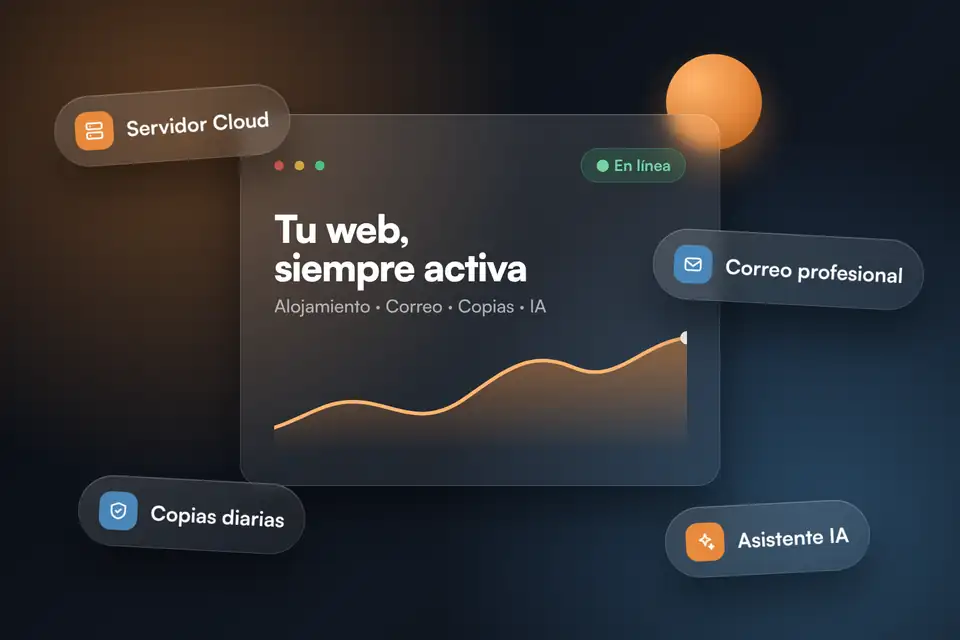
Hostinger started out as an affordable hosting provider and is now something broader: a platform where hosting, email, artificial intelligence and automation live together. In this guide we review what each service brings, when it makes sense and what to look at before deciding.
Transparency
This article includes referral links. If you sign up through our Hostinger link, Studio Tere receives a commission and, according to Hostinger’s referral program, your first purchase gets a 20% discount while the promotion lasts. The link doesn’t make the service more expensive. We write about Hostinger because it suits many of the projects we see, and that’s why we also point out its limits.
In this article
One platform, several ways to start
A fast, stable website starts at the server: no theme, however well built, makes up for poor hosting. What’s interesting about Hostinger is that it covers everything from a small business’s first site to the infrastructure of a demanding project without changing provider, and that it has built in AI as a practical aid and not as decoration. Here are its advantages, service by service.
Hosting: four tiers
Web hosting: the starting point
According to the plan’s description, it brings together what you need to launch a site: a free domain, business email and migration included. For a corporate website, a blog or a landing page it’s a reasonable foundation, as long as the site is well optimized. If speed worries you, our Core Web Vitals guide helps you measure before and after.
Cloud: speed and control
Designed for sites with more traffic. It offers a dedicated IP and built-in daily backups, plus more dedicated resources. It’s the logical step up when your website starts to see traffic spikes, for example during campaigns like Black Friday.
VPS: total freedom
Virtual servers with AMD EPYC processors and full control, aimed at developers and demanding projects: custom applications, test environments or your own services. That freedom comes with managing the server, although its assistant can lend a hand with tasks such as checking the server’s status, securing access or scanning for malware.
Agency Hosting: for managing several websites
Designed for agencies and freelancers: more power, isolated environments and per-site access. It’s useful when you manage several client websites and don’t want them sharing an environment or credentials.
Artificial intelligence that saves work
Kodee, the account assistant
It goes beyond a support chat. According to Hostinger, it has administrator access to its tools and can carry out more than 350 tasks: migrating or speeding up a website, creating backups, managing domains and DNS, or checking a VPS. It’s available 24 hours a day, in more than 50 languages, and complex cases are passed to its human team (data from its September 2025 announcement).
The practical advantage is clear: someone without a technical background can handle routine tasks without opening a ticket. As always with AI, it’s wise to review the result of any important action, such as a migration.
AI Builder: a first site from a description
It generates a complete site from what you tell it: a business, a portfolio, a blog or a landing page. It’s useful for getting started quickly or for having a first draft. When the project needs its own logic, integrations or a custom design, design and development work is still required. One detail: the included credits are one-time and don’t renew each month.
Agents and automation apps
Hostinger offers seven ready-made agents for real business tasks, from SEO to sales, inside the account itself, and automation apps with a personal assistant that handles day-to-day tasks and, according to the company, is ready in 60 seconds. Credit consumption depends on the complexity of each task, and there’s a free trial to test it.
Email and communication
Business email
Mailboxes on your own domain (hello@yourbusiness.com), ad-free and with spam protection. For a business, writing from an address on your own domain conveys more trust than writing from a generic account.
Reach: email marketing with AI
You describe the campaign and the tool drafts a mobile-friendly template. You can import contacts, send and track opens and clicks, and it adds by default the unsubscribe link and business details required by CAN-SPAM and the GDPR. When it launched, in June 2025, it included a free plan with unlimited contacts and up to 200 emails a month; check the current limits before relying on it.
At a glance
| Service | What it offers | Designed for |
|---|---|---|
| Web hosting | Free domain, business email and migration included | Corporate websites, blogs, landing pages |
| Cloud | Dedicated IP, daily backups and more resources | Sites with more traffic or traffic spikes |
| VPS | Full server control | Developers and custom projects |
| Agency Hosting | Isolated environments and per-site access | Agencies and freelancers with several websites |
| Kodee | Assistant with more than 350 tasks, 24 hours | Anyone who wants to handle tasks without being technical |
| AI Builder | Site generated from a description | First drafts and simple websites |
| Business email | Own domain, ad-free, anti-spam | Any business with a website |
| Reach | Email campaigns created with AI | Newsletters and customer communication |
What to keep in mind
- Check the renewal price. The lowest entry prices usually require long plans, and the renewal may be different.
- AI credits get used up. Agents, automation apps and the AI Builder run on credits: test them before basing a process on them.
- Good hosting doesn’t replace maintenance. Updates, security and your own backups are still necessary; our website maintenance service takes care of that.
- If you migrate, do it with a safety net. Make a full backup and then check links, redirects and speed. We explain it in this migration guide.
How to choose for your project
- First website or corporate website: web hosting.
- Growing traffic, campaigns or a small store: Cloud.
- Custom applications or total control: VPS.
- Several client websites: Agency Hosting.
- Little time and little technical background: lean on Kodee and email on your own domain.
If you want to explore it
You can see the plans and their current terms through our referral link. Check that the discount appears in the order summary before paying.
Frequently asked questions
Is Hostinger suitable for an online store?
For a small store with moderate traffic, yes, usually with a Cloud plan or a higher web hosting plan. If you expect large peaks, such as on Black Friday, size with a margin and test the site under load beforehand.
Can I migrate my website from another provider?
Yes. Web hosting includes migration and Kodee can help with that task. Make a full backup first and then check links, redirects and speed.
Do the AI tools have an additional cost?
Kodee works as an assistant within the account. Agents, automation apps and the AI Builder use credits and offer a free trial. Always check the current terms.
Does the referral link change the price?
It doesn’t make it more expensive. Hostinger applies its program’s discount to the first purchase while the promotion lasts, and pays us a commission for the recommendation.